Subscribe and Save

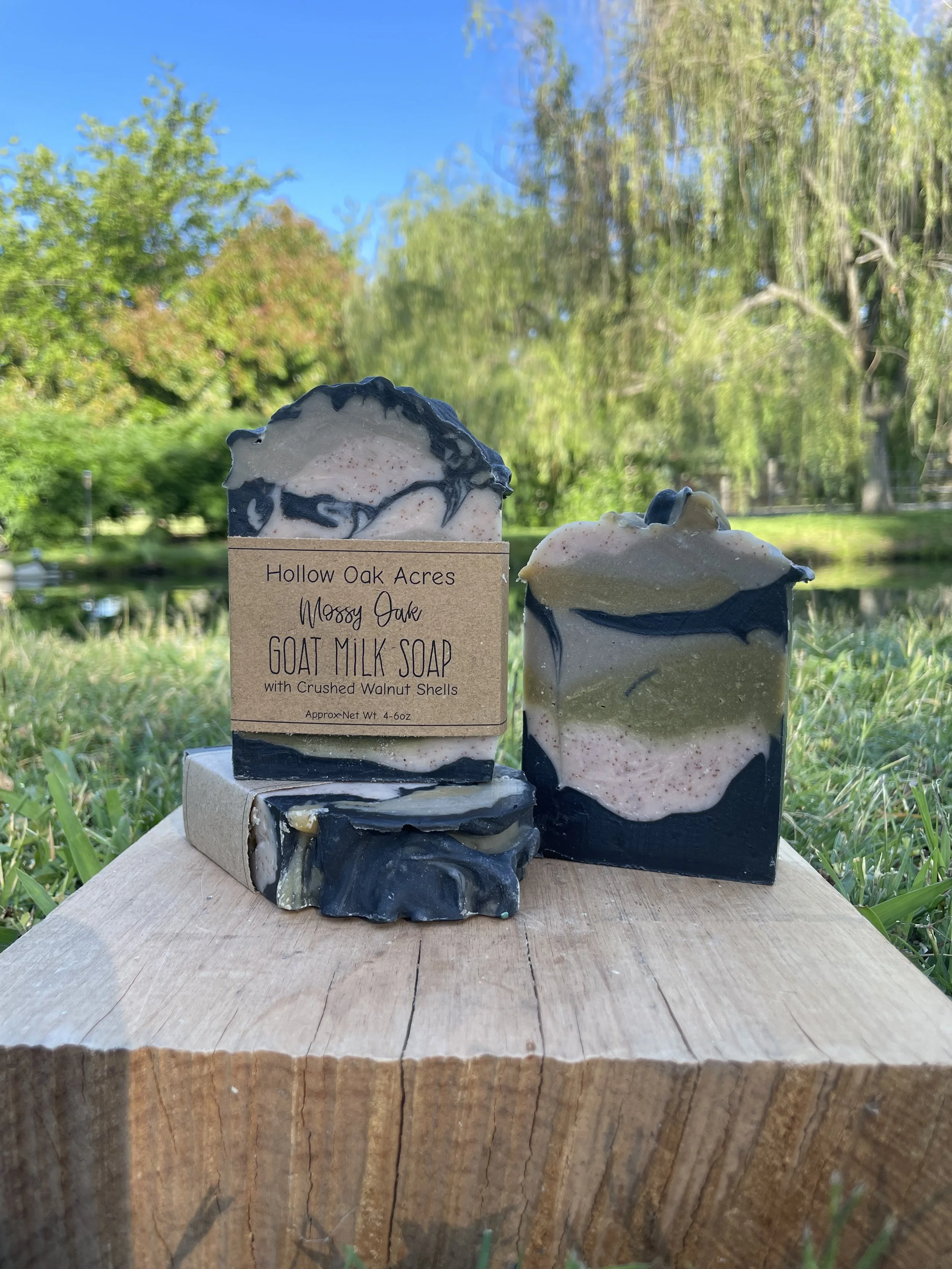
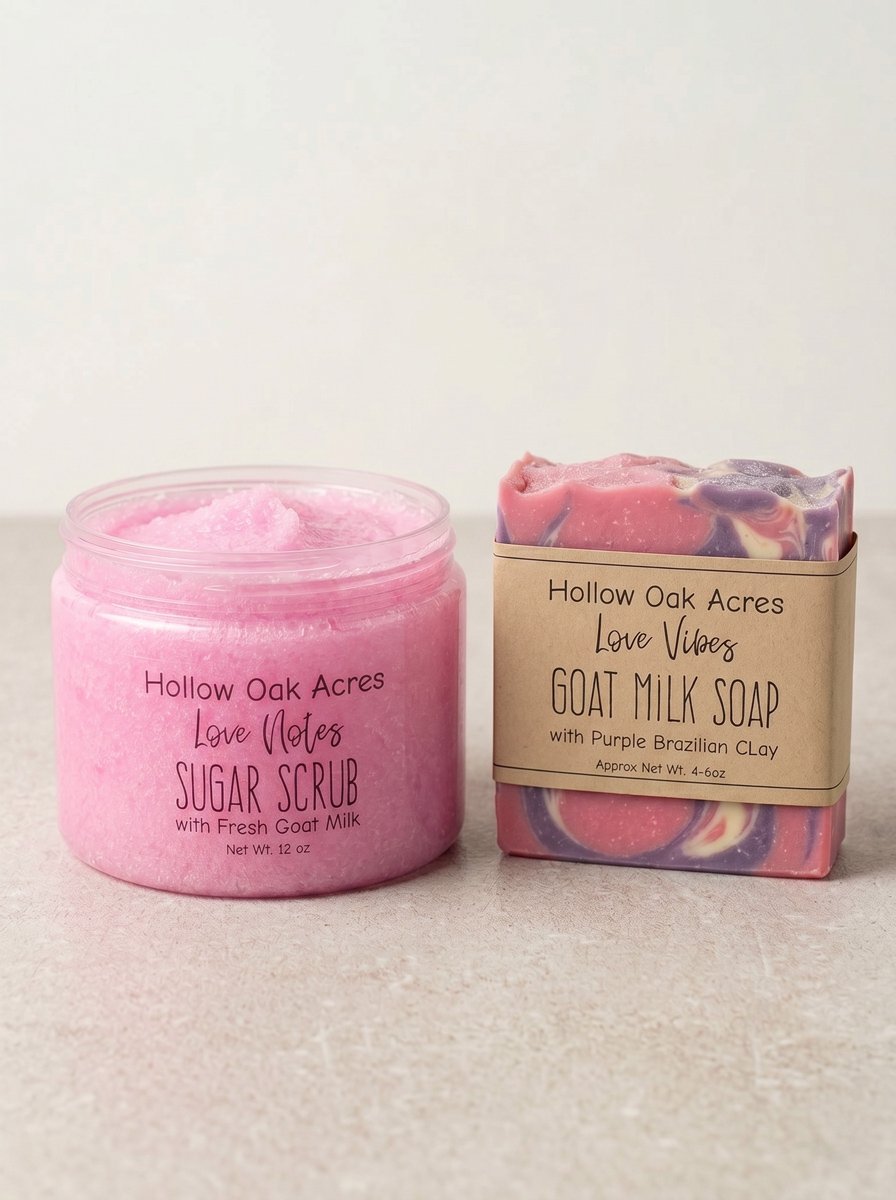
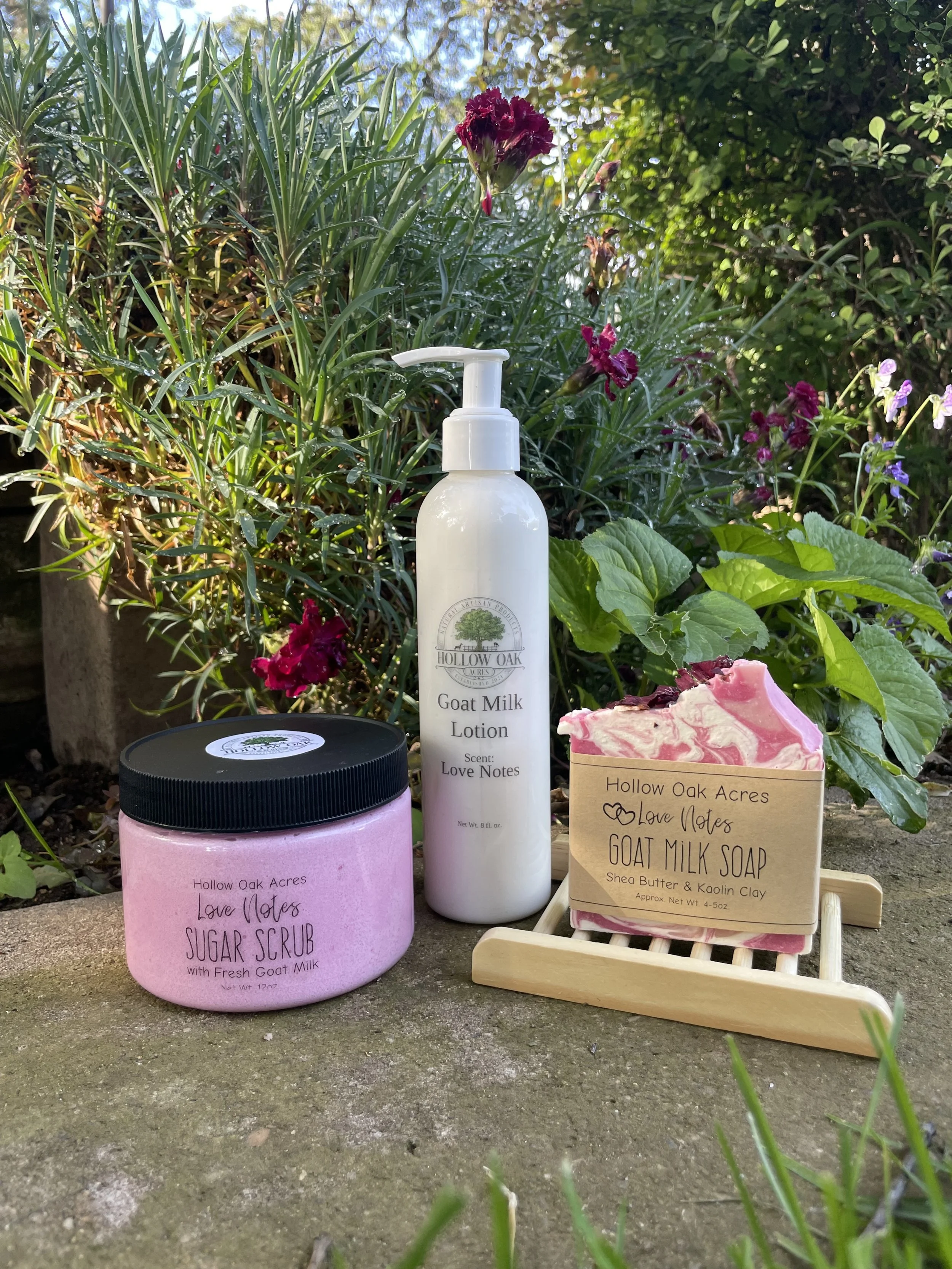
Treat your skin to the ultimate hydration experience with our Goat Milk Skincare Subscription. Hollow Oak Acres delivers fresh, nourishing goat milk soap and lotion straight to your door every month. Subscribe today to enjoy the convenience, exclusive savings, and free shipping on every order!

Use code SUBSCRIBE at checkout for free shipping on all Subscription Orders

Subscribe & Save FAQ

Getting Started with Subscriptions

  • Signing up to our Subscriptions is easy! Simply choose what products and scents you would like to receive and we take care of the rest!

  • We ship all subscription orders on or before the 15th of each month, and most subscribers receive their orders on the 15th. Delivery times may vary slightly depending on the shipping carrier and your location.

    If you want to change your scent preferences for your next delivery, please email us before the 10th of the month.

  • Use code SUBSCRIBE at checkout

    If you are also ordering other products to be shipped immediately please place two separate orders. One for the subscriptions only and one for the products for immediate shipping. Thank you!

  • You can update your scent preferences anytime by emailing us before the 10th of the month.
    Alternatively, you can cancel your current subscription and start a new one before the 10th to make changes.

  • Currently, we only ship within the USA.

Managing Your Subscription

  • We make it easy for you to manage your Goat Milk Soap & Lotion Subscriptions through our website. Follow the steps below to change, update, or cancel your subscription.

    1. Log into Your Account

    To manage your subscription, start by logging into your Hollow Oak Acres account:

    • Click on the Login button at the top of the website.

    • Enter your email address and password.

    2. Access Your Subscription

    Once logged in:

    • Go to My Account.

    • Click on Subscriptions to see your active subscriptions.

    3. Manage Your Subscription

    From the Subscriptions section, you can:

    • View Subscription Details: See your next order date, product details, and order history.

    • Change Payment Information: Click Payment Method to update or add a new payment method.

    • Change Shipping Address: To update your shipping address, you will need to cancel the current subscription and re-subscribe with the new address (see below for cancellation steps).

    • Request Different Scents: To easily change scents, please cancel your existing subscription and start a new one with your desired scents.

    4. How to Cancel Your Subscription
    Currently, subscriptions on our website cannot be paused or temporarily frozen.

    To cancel your subscription:

    • In the Subscriptions section, find your active subscription.

    • Click Cancel Subscription to stop future subscription orders.

    Note: Canceling your subscription won’t cancel any orders that have already been processed.

  • If you'd like to switch your subscription to a different product, you'll need to cancel your current subscription and start a new one. To do this:

    1. Cancel your existing subscription by logging into your account, navigating to the "Subscriptions" section, and selecting "Cancel."

    2. Re-subscribe by choosing the new product you'd like from our subscription offerings and following the checkout process.

    If you need assistance, feel free to contact us at hollowoakacres@gmail.com.

  • Currently, subscriptions on our website cannot be paused or temporarily frozen.

    If you need to stop future shipments or billing, you can cancel your subscription at any time and re-subscribe whenever you are ready to continue.

  • If you need to cancel your subscription, follow these easy steps:

    1. Log into your account:

      • Visit our website and click the Login button at the top of the page. Enter your email and password to access your account.

    2. Go to Subscriptions:

      • Once logged in, navigate to the My Account section and click on Subscriptions to view your active subscriptions.

    3. Select the Subscription to Cancel:

      • Choose the subscription you want to cancel.

    4. Cancel Subscription:

      • Click the Cancel Subscription button. You’ll be prompted to confirm your cancellation.

    5. Confirmation:

      • After confirming, your subscription will be canceled and you will no longer be billed for future subscription renewals.

    Note: Canceling your subscription will not affect any orders that have already been processed.

Need Help?

If you have trouble canceling your subscription or need further assistance, feel free to contact us at hollowoakacres@gmail.com or call us at (555) 123-4567.